
As more orthodontic practices bring production in-office, the doctors who have done it say success depends less on the hardware and more on the workflow, staffing, and systems built around it.
By Alison Werner
The 3D printer has become a familiar fixture in orthodontic practices across the country. Costs have dropped, resins have improved, and software has become far more intuitive than it was even five years ago. But for the practices that have moved beyond printing the occasional model, the real challenge was never the technology itself. It was everything around it.
The successful practices “don’t only think about buying a printer; they think about building the workflow,” says Tarek Elshebiny, DDS, MSD, a member of the American Association of Orthodontists’ Committee on Technology (CTech) who has published his own research on 3D printing adoption in orthodontic practices in the American Journal of Orthodontics and Dentofacial Orthopedics. Printing is just one stage in a longer sequence that starts with scanning the patient and the doctor’s digital design, and continues through washing, curing, and finishing before the appliance ever reaches the patient.
Three orthodontists who have built in-office production labs at varying scales—Bryan Lockhart, DDS; Lisa Alvetro, DDS, MSD; and Elshebiny—shared what it takes to move from owning a printer to operating a lab. Their experiences reveal a common set of operational decisions that determine whether in-office printing becomes a competitive advantage or a sunk cost gathering dust in the corner.
Starting Small and Building From There
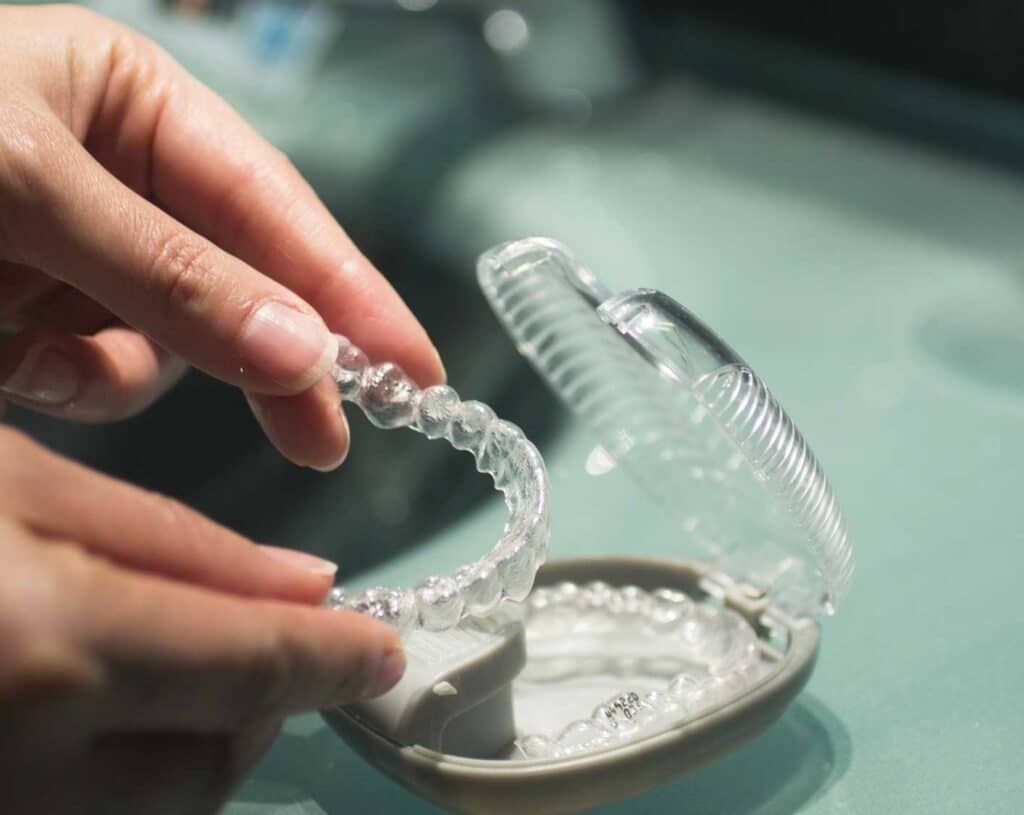
Every practitioner interviewed emphasized the same starting point: retainers. As Alvetro points out, a retainer that hasn’t arrived can often be a practice’s biggest operational headache. The advantage is that it’s typically the simplest problem for in-office printing to solve. The workflow itself is straightforward—scan, print a model, thermoform—and the learning curve is modest enough that a practice can be producing within a day or two of setup.
“You can learn how to do that in a couple hours. You install the printer on Monday. You’re printing on Tuesday,” says Alvetro, who has been printing in-house for 12 years and now produces all retainers, aligners, and indirect bonding trays on site.
From retainers, the natural progression moves to thermoformed aligners for minor tooth movement—relapse cases, post-debond refinements—and eventually to more complex aligner cases and indirect bonding trays. Elshebiny, who is an assistant professor and the orthodontic clinic director at Case Western Reserve School of Dental Medicine, advises a deliberate, stepped approach. “You cannot get a printer and say I’m going to start with printing everything,” he says. “Master one application, like printing models for retainer fabrication, and then after you’ve done enough of that, you can move on to mouth guards or indirect bonding trays.”
Indirect bonding trays typically come last in that progression, Elshebiny says, because the margin for error is slimmer. Unlike aligners or retainers, which are thermoformed from a printed model, indirect bonding trays are printed directly and placed straight into the patient’s mouth.
READ MORE: Why Retention Is the New Growth Engine
Driven by digital workflows, remote monitoring, and subscription models, orthodontic practices are transforming retention from a chair-time drain into a lifelong patient relationship.
Deciding What Stays In-Office
For Lockhart, who practices in a roughly 4,000-square-foot office and runs four printers, the decision of what to produce in-house comes down to three factors: cost, time, and quality. “Ideally, if all three of those are better in one scenario, then that’s an easy decision,” he says. “Unfortunately, it’s typically not a clean sweep where a decision is that easy.”
In his Charlotte, North Carolina, practice, Lockhart currently produces direct-print aligners and retainer models in-office, using a LuxCreo printer for direct-print aligners and additional printers for models. Cases with roughly 20 aligners or fewer stay in-office. More complex cases—deep bites, extractions, anything projected at 45 to 50 aligners with multiple refinements—get outsourced.
Elshebiny points to research that supports a similar threshold. An unpublished 2024 study from Case Western found that in-house aligner production stops being cost-effective at around 45 sets, at which point outsourcing becomes the more practical option.
That calculus is never static for Lockhart. “You’re constantly reevaluating, making sure that it still makes sense to [print in-office], and if it doesn’t, you can always adjust accordingly,” he says. For example, when Lockhart switched aligner companies and the cost and turnaround gaps narrowed—and the quality was just as good—he pulled back from doing all cases in-office. “It’s not a big enough gap to justify the manufacturing power that’s going to go into doing it,” he says.
Staffing and Cross-Training
All three practitioners agree on a staffing principle: designate one person to own the lab, but make sure they are not the only person who can run it.
“I think it works better when you have someone that owns it, that’s checking to make sure that this is where it needs to be,” Lockhart says. “If you have too many cooks in the kitchen, there’s a tendency for, ‘Oh, I thought you were doing that.'” Every clinical assistant in his practice, however, is cross-trained on different parts of the process so production doesn’t stop when someone is out sick or leaves the practice.
Alvetro has structured her operation similarly. One person oversees printing and post-processing, a remote employee preps the initial design work so Alvetro can step in and finalize the setup, and part-time staff—sometimes high school students—handle tasks like trimming aligners. “When you start out, just get one dedicated person,” says Alvetro, who practices in Ohio and is also a faculty member at Case Western. “And that way, they know all the steps. So as it grows, they can help train the next person.”
Both Alvetro and Elshebiny stress that the doctor must also know the workflow. “Where I’ve seen people struggle with implementing this workflow is they just buy everything, and then they delegate it,” Alvetro says. “You need to be the expert and learn it.” Without that knowledge, Elshebiny says, doctors can’t troubleshoot problems or gauge how long tasks should take. Alvetro adds it can also leave an entire operation vulnerable to collapsing when a key staff member leaves.

READE MORE: Building and Training a Digital Team for the Modern Orthodontic Practice
Strategies for onboarding, training, and delegating in an orthodontic practice powered by digital workflows and AI.
Building the Physical Space
The physical lab doesn’t need to be large, but it does need to be intentional. Alvetro notes that her satellite office can run on a single Formlabs Form 4B printer and wash-and-cure station occupying a countertop where a cast grinder used to sit. Her main office, which handles higher volume, is more elaborate but follows a core principle: separate the printing area from the post-processing and finishing area, much like a sterilization room has dirty and clean sides.
Lockhart built out his lab into previously unfinished space in his practice, which he calls a blessing in disguise. “When it was time to build out the lab, I was able to incorporate the ventilation, separating the printing side from the polishing side, so you don’t have fibers getting into the printers,” he says.
Ventilation was a universal recommendation. “I would say having the proper ventilation is a must,” Elshebiny says. “We don’t know the long-term effect of working with resins.”
Tracking Production and Managing Workflow
As volume increases, tracking becomes critical. Lockhart learned this the hard way. “When we first started, we had an Excel spreadsheet, and things were slipping through. Patients would be on the schedule, but we weren’t ready for them. We had to reschedule them,” he says. That experience led him to develop CAStrack, a software tool that tracks each case through every production stage and displays a color-coded calendar view—red for cases nowhere near ready, green for cases that are complete. The system, says Lockhart, allows any cross-trained team member to step in and immediately see where a case stands.
Alvetro uses Smartsheet, a cloud-based project management tool, to accomplish something similar. “It allows you to set up every single step that happens, and then everybody that’s involved is connected,” she says. “If someone calls in and says, ‘Hey, are my aligners done yet?’ you know exactly where they are at in the workflow.”
Quality Control and Post-Processing
In Lockhart’s in-office lab, quality control is less about formal measurement systems and more about experienced eyes and consistent maintenance. His team cleans resin tanks and checks the glass above the projector on a roughly three-week cycle, and his lab lead knows the visual signs—what he calls “frog feet” on models—that indicate a tank or glass needs attention sooner. “When you have somebody that’s in there doing it day in and day out, they just know when something’s not right,” he says.
Alvetro takes a more structured approach to printer accuracy, periodically printing calibration blocks across different areas of the build platform. She also emphasizes maintaining the quality of isopropyl alcohol used in post-processing. “When do you change it? When is it so saturated that it’s no longer effective? You need to really control that,” she says.
That instinct, says Elshebiny, who practices in Ohio, should be backed by documented standards. He recommends validating printer settings, standardizing on specific resins and materials, maintaining a regular maintenance schedule, and keeping written protocols aligned with manufacturer guidelines. “Standardization is critical,” he says.
The Intangible Returns
When it comes to the economics, all three practitioners acknowledge that the hardest-to-quantify benefits are often the most valuable. Lockhart ranks control and quality as his top priorities—above cost. “To be able to tell a patient, ‘Hey, we scanned you today. We can have this [appliance] done in two weeks,’ and then in a week and a half, call them and tell them, ‘Hey, we got it ready sooner’—that’s a level of customer service that’s just hard to do when you’re outsourcing,” he says.
Alvetro frames in-house production as a differentiator in a competitive market. “Everybody around me was outsourcing to the same company, and then it seemed like a commodity,” she says. With everyone using the same provider, she felt there was no way to distinguish her practice from another. “That box makes us equal.” She adds that in-house production can turn patients who would otherwise decline minor tooth movement into yeses, and it opens the door to same-day service—retainers in an hour or first aligners by the time a patient comes back from lunch.
What Practices Underestimate
The biggest misconception, according to all three, is that buying a printer is the hard part. “You have to have a true understanding of why you want this, and it has to be a real reason,” Lockhart says. “If it’s not, the moment things get hard—and there’s not one new thing you’re going to do in your office where you’re not going to hit a roadblock—you’re going to bail on it.”
Elshebiny echoes that sentiment. “A lot of times you have conversations with doctors and they just bought this printer, and it’s been sitting there for the last four months because they don’t know exactly what to do next,” he says. “Getting the printer and also implementing a system would help a lot.”
For Alvetro, the key is making in-house production a practice-wide effort, not a lab-only initiative. “Everybody in the office has to be involved,” she says. “Even the front desk people need to go down to the lab, see how things are made, so they can talk about it and share it.”
The technology, all three agree, has never been easier or more affordable. But a printer without a plan is just another piece of equipment. The practices getting it right are the ones that treated the printer as the beginning of the process, not the end of it. OP
Photo: ID 130660548 | © Miriam Doerr | Dreamstime.com
Alison Werner is chief editor of Orthodontic Products.